Chapter II
In reviewSoloFlowBoard
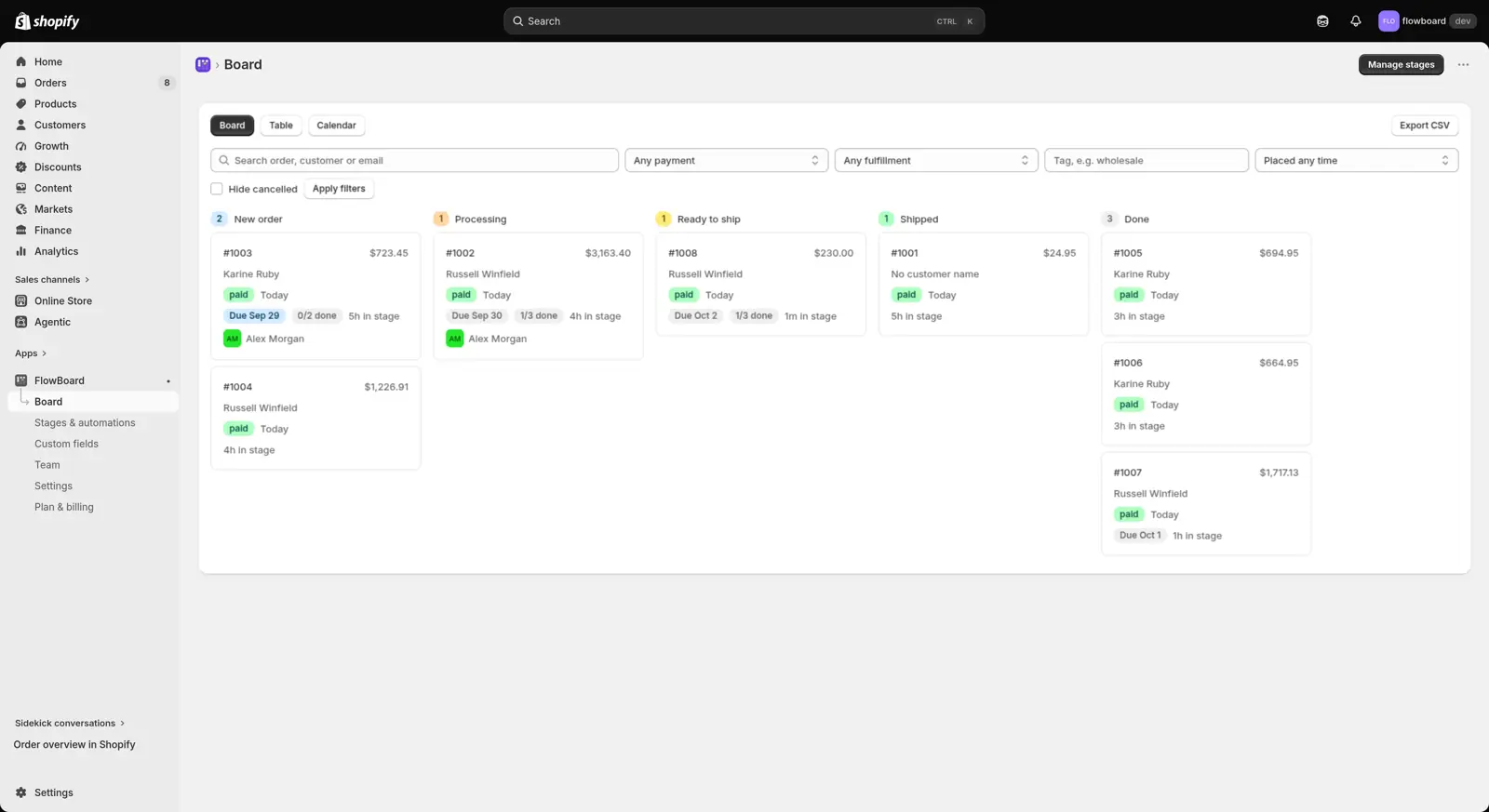
A Shopify app that turns a store's orders into a drag and drop board, with the team's own stages, right inside the Shopify admin.
- Role
- Everything: design, full stack development and the App Store submission
- Built with
- React Router · TypeScript · Shopify App Bridge · Prisma · PostgreSQL · dnd-kit
The problem
Shopify's order list is just a list. Small teams that pack, make or customise orders end up tracking who is doing what, and what stage each order is at, in spreadsheets or group chats.
What I did
- Built a drag and drop board with the merchant's own stages, plus table and calendar views.
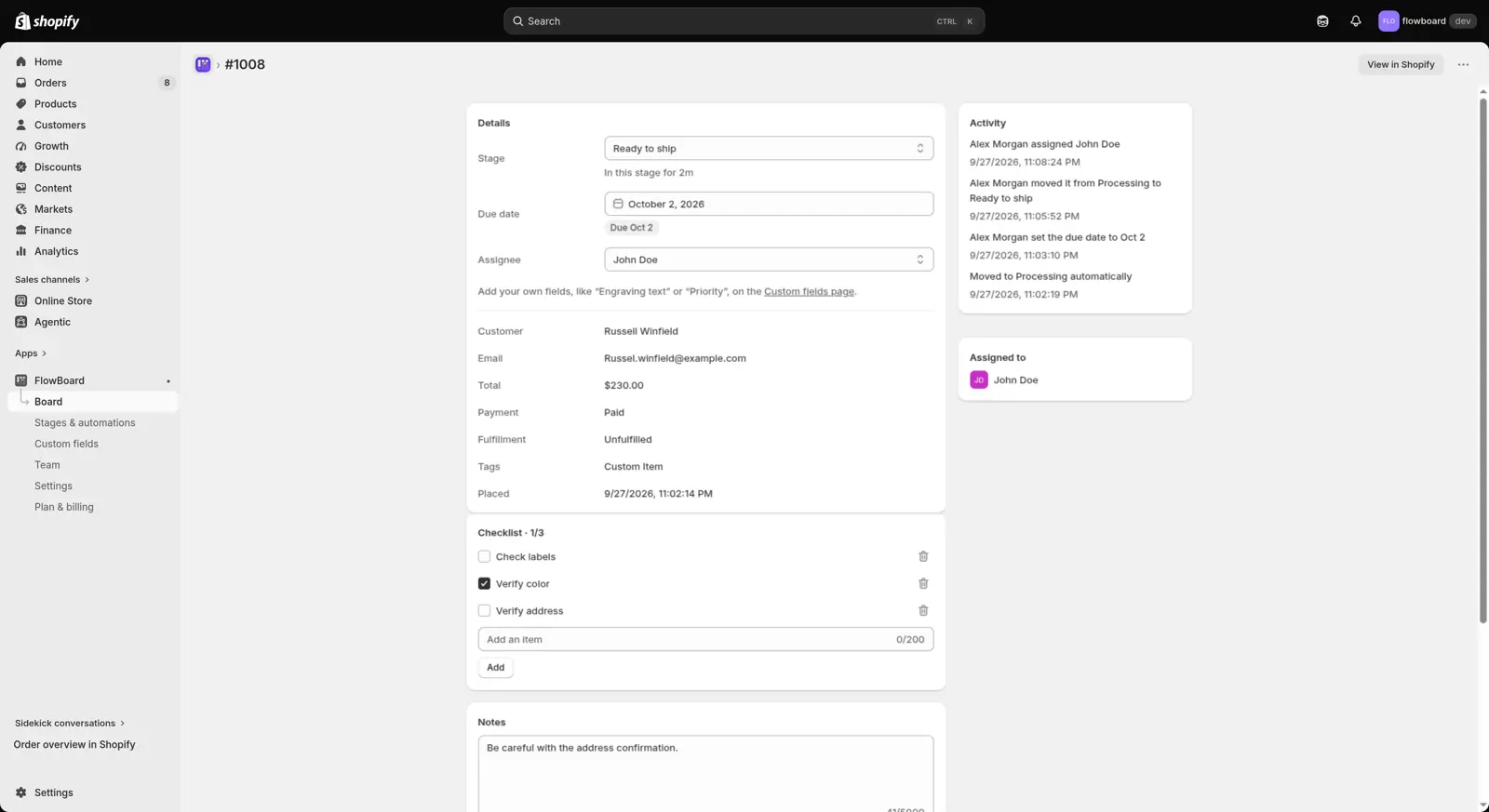
- Gave every order its own page with notes, checklists, comments, due dates and custom fields, and added a team roster.
- Added automations that move orders between stages, a Shopify Flow trigger, CSV export, and a panel and bulk action inside Shopify's own order pages.
- Set up billing through Shopify: Basic and Pro plans, each with a free 14 day trial.
- Prepared it for App Store review: an access log for customer data, nightly encrypted database backups, privacy policies and an incident log.
The result
Submitted to the Shopify App Store and currently in review.